What Is Pretty Darn Quick (PDQ) in Retail?
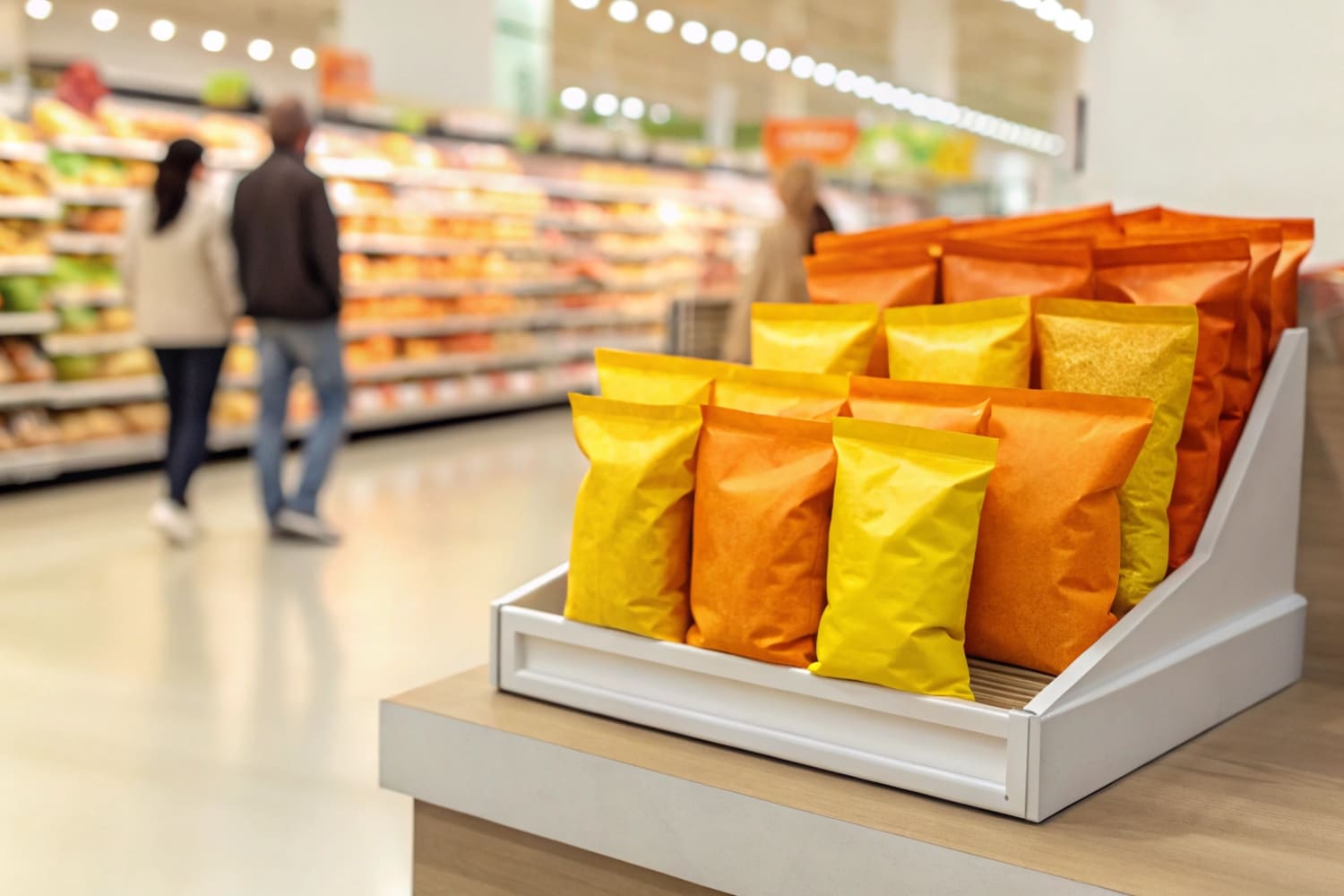
Retail launches move fast, but stores change even faster. Shoppers rush. Staff is busy. I need displays that ship ready and set up in minutes. PDQ solves that stress.
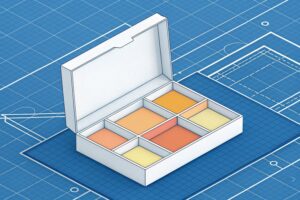
PDQ in retail means a pre-packed, easy-to-open display or tray—usually corrugated—that ships ready to sell so staff can set it on-shelf or on a pallet in minutes, raise compliance, and drive impulse buys with minimal labor.
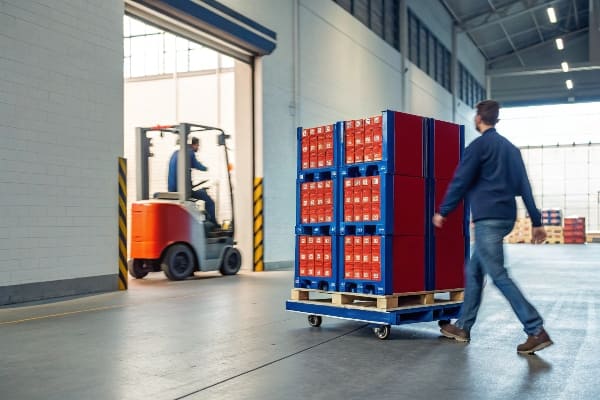
I will show what PDQ means, why it matters, how sales teams use it, and how Walmart treats the term. I will add simple tables and clear steps. I will keep the language plain. I will also add one short story from my own factory floor to make the points real.
What does PDQ mean in retail?
Stores need speed and order. Teams fight clutter. Promotions miss timing. I use PDQ so staff opens, places, and sells with less risk and less waste.
In retail, PDQ means “Pretty Darn Quick” display: a small, shelf-ready or pallet-ready pack that arrives pre-merchandised. Staff removes a tear-strip, drops it into position, and starts selling almost at once.
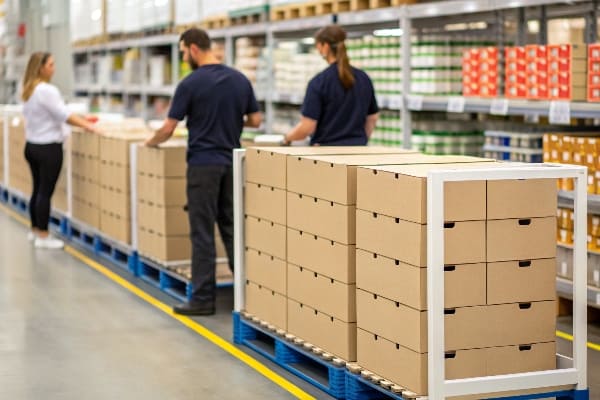
How PDQ works on the floor, from box to buy
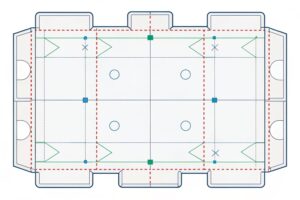
I design PDQ units to ship as one piece or two pieces that lock together fast. The goal is simple: a clean front, correct facing count, and a barcode that scans. Staff opens a perforation, lifts the cover, and slides the tray to shelf depth. If it sits on a pallet, the base locks in with tabs. I print clear “OPEN HERE” arrows, and I add a quick assembly sketch. This reduces setup time and damaged stock. It also improves planogram compliance1. When a national chain sends a reset, the store team often has minutes, not hours. PDQ prevents backroom pileups and lost promotions.\
I learned this during a seasonal candy launch. The buyer cut setup windows to one hour across thirty stores. We changed to PDQ trays2 with stronger tear-strips. Sell-through during week one rose because stores got the product out on time.
| Element | What it is | Where it helps | Why it matters |
|---|---|---|---|
| Pre-packed tray | Corrugated inner that holds units | Shelf, end cap | Fast set, fewer touches |
| Printed shroud | Branded outer wrap | Visual blocking | Stops drift, adds color |
| Tear-strip | Perforated opening line | Backroom and floor | Clean, quick opening |
| UPC/GTIN panel | Scannable panel | Receiving, checkout | Fewer scan errors |
| Planogram callouts | Simple icons | Store team | Correct facing and height |
What does pretty darn quick mean?
Teams use slang under pressure. “Pretty darn quick” sounds casual, but the meaning is strict. It describes a setup that happens soon, with no tools and no fuss.
“Pretty darn quick” means the display sets up very fast with minimal steps. In practice, it means no tools, clear tear-strips, simple tabs, and a full visual in minutes, not hours.

The speed checklist I use and why it protects launches
Speed is not only a feeling. I treat it as a checklist. I remove every step that slows a store team. I avoid loose parts. I place the opening seam where hands naturally land. I print step numbers on the inside flap. I keep the unit count per tray fixed, so replenishment is simple. Fast setup protects launch timing[^3]. If the display needs tools or guesswork, the unit may never reach the floor before the weekend. That delay kills sell-through, and it also hurts brand trust.\
I saw this with a crossbow accessory line for a hunting brand. The first proto needed five tabs and two dividers. The field team pushed back. We cut to two tabs, added a one-piece divider, and added a big “PEEL” arrow. Set time fell under two minutes per store. The launch hit its date, and damage claims dropped.
| Speed Factor | Good PDQ Practice | Store Impact | Sales Impact |
|---|---|---|---|
| Steps | 3–5 max | Less training | Faster floor time |
| Tools | None | No searching | Fewer delays |
| Graphics | Open/Place/Face icons | Clear process | Fewer setup errors[^4] |
| Count per tray | Fixed and labeled | Easy replenish | Steady facing |
| Footprint | Shelf depth aligned | Fits first try | Better compliance |
What does PDQ stand for in sales?
Sales teams want clear KPIs. They care about time to floor, facing integrity, and week-one sell-through. PDQ gives a way to hit these numbers without extra labor.
In sales, PDQ stands for a display format that accelerates time-to-shelf and improves first-week sell-through by reducing setup friction, cutting damages, and keeping planogram compliance high.

The PDQ sales model I present to buyers
When I pitch a PDQ program, I start with a simple math story. I show the store minutes saved per set. I convert minutes to labor dollars. I add expected recovery from fewer damages and fewer missing facings. Then I project week-one sell-through3 based on visible facings and eye-level placement. Buyers like proof, not fluff. So I bring a real sample, a stopwatch, and photos from a test store. I also bring a short training card for store teams. I print a QR code that links to a 30-second video.\
This model fits fast-move goods like snacks, small tools, grooming kits, and hunting accessories. It also fits seasonal programs. If my tray ships pre-priced and pre-labeled, the store avoids rework. If my design locks into standard shelves, I avoid “did not fit” rejections. That is how PDQ supports sales KPIs4 without asking for more labor.
| KPI | How PDQ moves it | Typical Target | What I report |
|---|---|---|---|
| Time to floor | Pre-pack, no tools | < 5 minutes per unit | Stopwatch results |
| Week-one sell-through | More facings, better visibility | +10–25% vs. flat | POS snapshots |
| Damages/returns | Strong tear-strips, snug cells | < 1% | Claims trend |
| Compliance | Printed planogram cues | > 95% | Store photos |
| Replenishment time | Fixed count per tray | < 2 minutes | Staff feedback |
What does PDQ stand for at Walmart?
Walmart runs tight resets and expects clean execution. The term “PDQ” often points to small, shelf-ready trays or pallet sidekicks that meet set rules for size and labels.
At Walmart, PDQ usually refers to shelf-ready or pallet-ready trays and sidekicks that set fast, follow modular sizes, carry clear labels, and help stores keep resets on time and tidy.
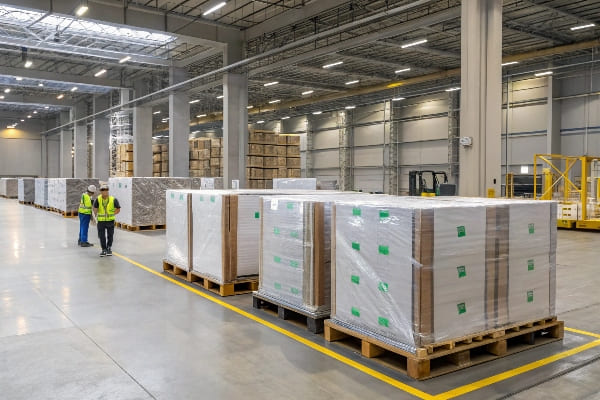
What I build into a Walmart-ready PDQ
When I design for Walmart, I base my work on common retail sizes and simple handling. I keep shelf depth and height within standard mods. I add big side labels with item, color, size, and count. I keep the opening seam at the front. I use sturdy E-flute or B-flute where needed, and I test the tear-strip with full weight. I print a scannable master label on the outer carton and a UPC panel on the tray. I make the artwork strong and clean so it reads from five feet. I also add a one-page assembly sheet in plain English.
I once supported a national hunting accessories launch that needed both pallet sidekicks and counter trays. The buyer wanted speed and fewer touches. We combined both into one shipper with two inner trays and a snap-on header. The store could run it as a sidekick or split to counter. The reset team hit their window, and the displays stayed neat through the weekend.
| Walmart PDQ Feature5 | Practical Rule | Store Benefit | Brand Benefit |
|---|---|---|---|
| Modular fit | Matches common shelf widths/heights | No trimming | Fewer rejections |
| Labeling | Big sides + top labels | Fast ID | Correct placement |
| Tear-strip strength6 | Tested with full load | Clean open | Less damage |
| Visual header | Short, bold headline | Easy shop | Clear message |
| Barcode panels | Master + inner UPC | Smooth receiving | Accurate scans |
Conclusion
PDQ means fast, clear, and ready. I design it to place in minutes, protect launches, and lift week-one sales with simple steps that store teams can trust.
Learn about the significance of planogram compliance in maximizing sales and ensuring product placement accuracy. ↩
Explore how PDQ trays enhance product visibility and streamline the stocking process in retail environments. ↩
Improving week-one sell-through can significantly boost sales and inventory turnover, making it essential for retailers. ↩
Understanding sales KPIs is crucial for optimizing retail performance and maximizing profits. ↩
Explore this link to understand the essential features of Walmart PDQ that enhance retail efficiency and product visibility. ↩
Learn about the testing methods for tear-strip strength to ensure packaging durability and reduce damage during handling. ↩