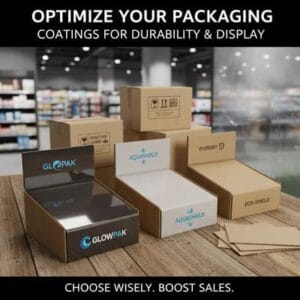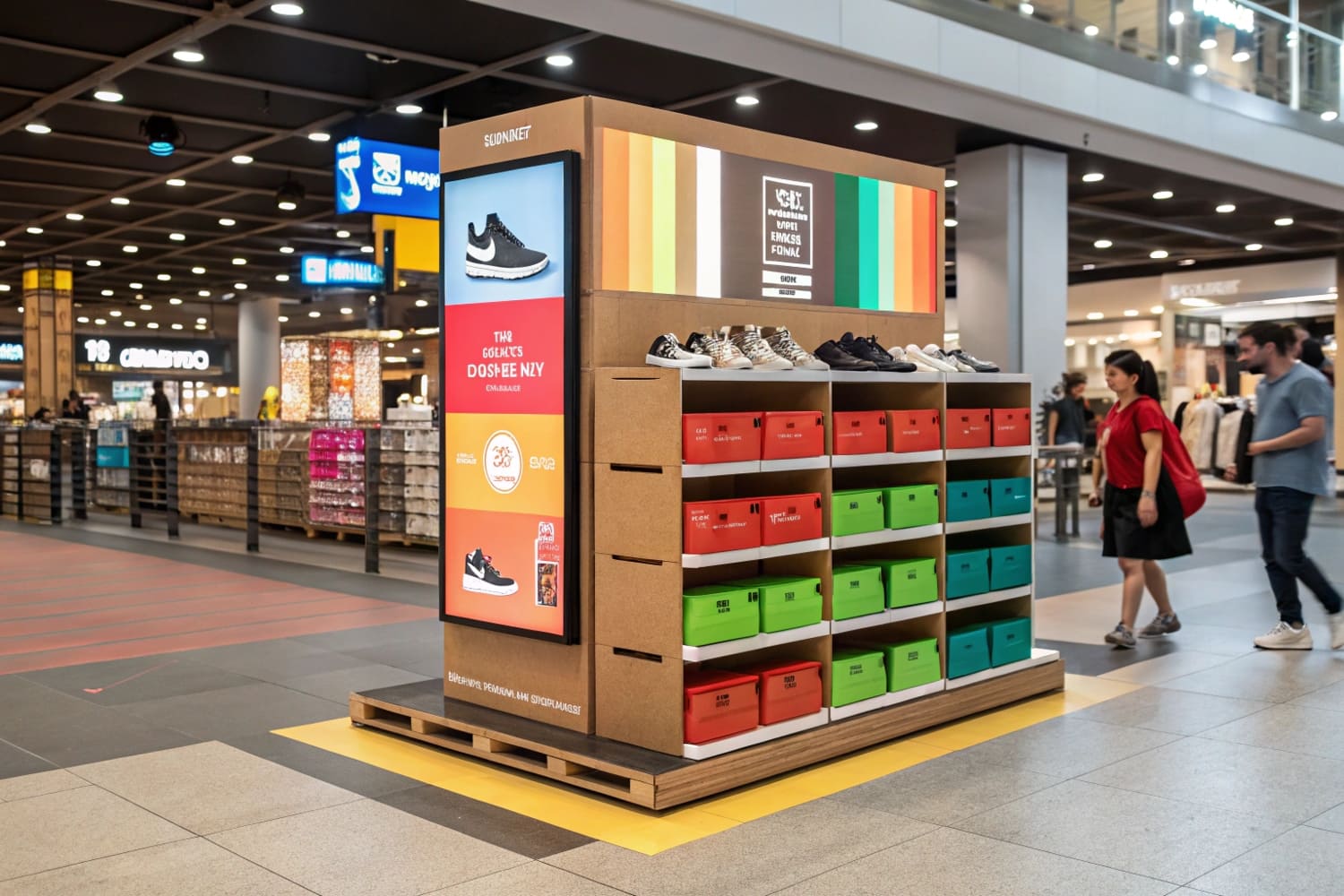
I know store space is tight. I see shoppers hurry past. I see displays that get no love. I also see wins. I use simple steps. I test. I improve. I repeat.
Use nine moves: set a clear goal, define the audience, choose a hero SKU, write one bold headline, use contrast, simplify facings, add a small story, prove value with price or claim, and measure then iterate.
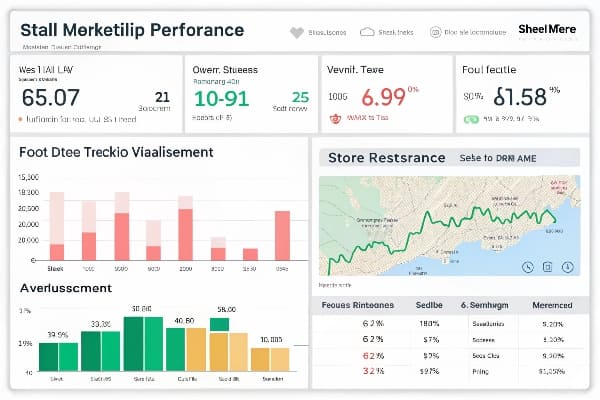
I want you to get real results, not fluff. I will show steps, strategy, methods, and basics. I will also explain sequences. I will use examples from my factory work. You can copy these and adapt fast.
What are the 5 steps of creating a display?
Shoppers move fast. I must guide them in five clear steps. I keep each step small. I remove friction. I let the product do the work.
Plan the goal, design the structure, develop the graphics, prototype and test, then produce and launch. These five steps reduce waste, fix risks early, and speed time to shelf.
Framework
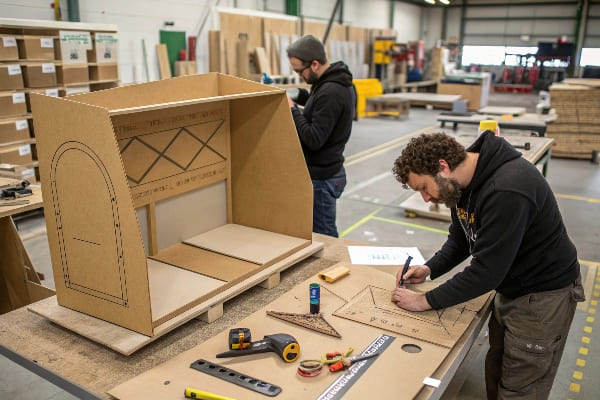
I use a five-step flow because it fits real timelines. I start with a short brief that states one KPI1. It can be units per week or trial rate. I design the structure next because strength and footprint decide cost. I add graphics after structure to match die lines. I build a working sample and test load, color, and assembly. I then run production2 only after the sample is signed. I learned this the hard way when a rush job skipped testing. The floor bowed under load, and a retailer rejected the batch. Now I never skip step four.
Roles and Outputs
| Step | Owner | Output | Quick Check |
|---|---|---|---|
| Plan | Brand + factory | One-page brief, KPI | Is the KPI measurable weekly? |
| Structure | Factory design | Dieline, spec, pallet plan | Fits retailer rules? |
| Graphics | Brand design | Print-ready art3 | One headline under 7 words? |
| Prototype/Test | Factory QA | Sample, test report4 | Pass load and drop tests? |
| Produce/Launch | Factory ops | Cartons, instructions | Pack flat, easy assembly? |
What is CPG strategy?
Many teams jump into tactics. They add lights and QR codes. The display looks cool but sales do not move. Strategy fixes that.
A CPG strategy aligns audience, need state, price pack, channel rules, and timing to one business goal. Every display choice then serves that goal and nothing else.
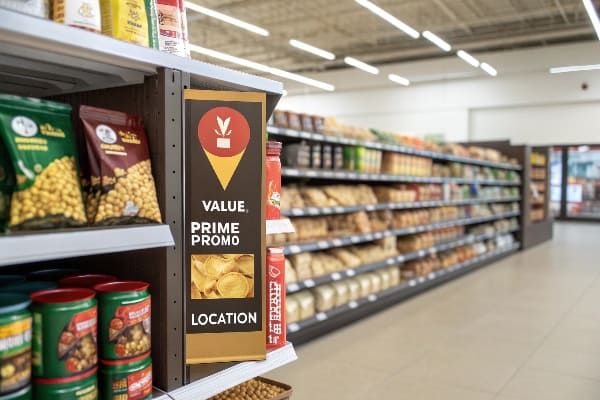
Strategy Pillars
I define the audience first. I map a single need state, like "weeknight meal in 15 minutes5" or "early-season bow hunting prep." I set a price pack that removes hesitation. I pick the channel and its rules. A club store needs PDQ trays. A drug store needs narrow footprints. I set timing by season and launch windows. When I helped a hunting brand launch crossbow accessories6, the strategy was simple: speak to confident doers, show fast setup, and land before archery opener. The display used a hero hook, one benefit headline, and a QR video of field assembly. Sell-through beat forecast because the strategy cut noise.
Planning Grid
| Pillar | Choices | What I Use |
|---|---|---|
| Audience | New users, loyalists, gift buyers | Confident hobbyists ready to upgrade7 |
| Need State | Speed, safety, savings, status | Speed + reliability in the field8 |
| Price Pack | Trial, value, premium | Value bundle with must-have add-ons |
| Channel | Club, mass, drug, specialty | Specialty + mass endcaps |
| Timing | Seasonal, launch, evergreen | Pre-season + Black Friday |
How do you create an effective display?
Many displays look good in PDFs. They fail on a busy floor. I design for three seconds. I let the shopper win fast.
Keep one message, one hero SKU, and one action. Use high contrast, eye-level placement, simple assembly, and clear price. Remove clutter. Then test, measure, and refine.
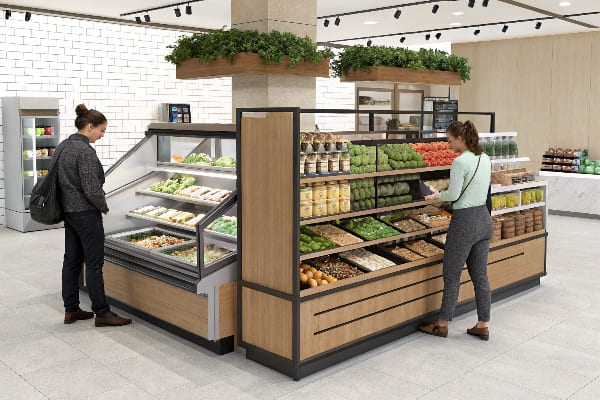
The 3-3-3 Rule
I use a simple rule. In the first three feet, the shopper must see color contrast9. In three seconds, the shopper must read one headline. In three steps, the shopper must reach and take the product. I reduce copy. I use bold type and plain words. I avoid gloss if lighting glares. I place price close to the grab point. I print assembly steps on the inside flap so staff can build fast. One store team told me our flat-pack with color-coded tabs10 saved them five minutes per unit. That time saved kept the display in stock, which raised weekly units.
Checklist and Benchmarks
| Area | Standard | Quick Test |
|---|---|---|
| Message | ≤7 words headline11 | Can a kid read it aloud once? |
| Facings | 60–80% hero SKU12 | Does the hero anchor the center? |
| Contrast | 30–40% value area | Does price pop at 1–2 meters? |
| Durability | Pass load + drop | Any bowing after 48 hours? |
| Assembly | ≤5 minutes | Can one person build it cleanly? |
What are the basics of CPG?
CPG can feel complex. Many teams talk in jargon. I keep the basics simple and clear so the display serves the business.
CPG basics are product, price, place, promotion, and pack. The display links these five basics at the point of decision so shoppers choose fast and feel sure.
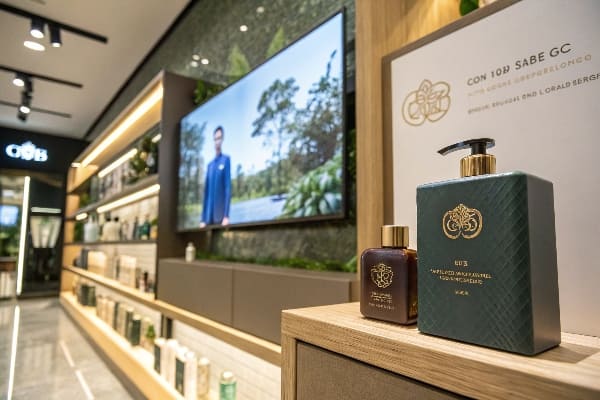
Five Basics, One Display
Product: I select the SKU that solves the need with low friction. Price: I show real value, not vague claims. Place: I follow traffic data13. Endcaps and power aisles beat low-traffic corners. Promotion: I use one incentive, like a bundle or trial size. Pack: I design the tray and graphics to protect and persuade. In my factory, I run strength tests and print checks. I match color to the proof under D50 light. I write simple assembly guides with icons. These basics cut rework. They also build retailer trust14, which leads to better placement next season.
Basics Map
| Basic | Display Action | Why It Matters |
|---|---|---|
| Product | Hero selection and facings | Reduces choice overload15 |
| Price | Clear tag near grab point | Confirms value at glance |
| Place | Endcap or checkout | Raises visibility and speed |
| Promotion | Single, simple offer | Prevents message confusion16 |
| Pack | Flat-pack, sturdy board | Cuts damage and cost |
What is CPG sequences?
Teams often ask about "sequences." They mean the order of moments that move a shopper. They also mean how products line up.
CPG sequences are the ordered steps from attract to convert and the product order on the display. A good sequence reduces friction at each step so sales rise.
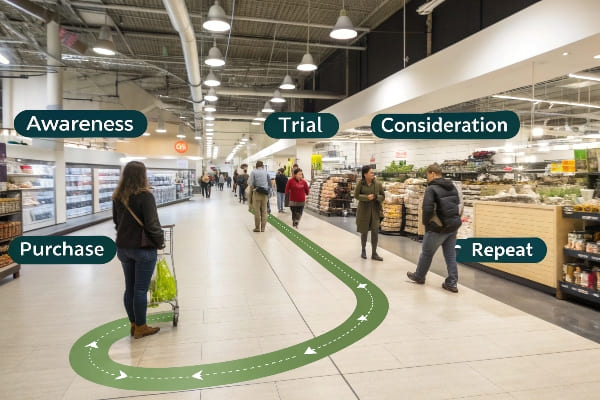
Two Kinds of Sequences
I design two sequences. The first is the shopper flow17: attract, engage, educate, compare, convert, and reinforce. Each step uses one cue. Attract uses color contrast. Engage uses a short benefit. Educate uses one icon or QR. Compare uses a tiny chart. Convert uses clear price and easy reach. Reinforce uses a small claim like "100% recyclable." The second sequence is the product order18. I group by mission or skill level. For a bow-hunting display, I place entry-level accessories left to right toward pro gear. I keep best-sellers at hand level. I put fragile items in protected trays. I test this plan with a quick aisle walk and a five-person intercept. Simple wins beat clever tricks.
Sequence Table
| Step | Cue on Display | Micro-Metric |
|---|---|---|
| Attract | Contrast color panel | Stop rate |
| Engage | 5–7 word headline19 | Read rate |
| Educate | One icon or QR | Touch rate |
| Compare | Tiny 3-row chart | Dwell time |
| Convert | Clear price + reach20 | Units per visit |
| Reinforce | Eco or warranty note | Repeat intent |
Conclusion
A clear goal, a simple message, and a tested build turn cardboard into sales. I follow these steps. I measure weekly. I adjust fast. Then I win shelf by shelf.
Understanding KPIs is crucial for measuring success and ensuring project alignment with business goals. ↩
Exploring production management best practices can enhance efficiency and reduce errors in your workflow. ↩
Understanding print-ready art is crucial for ensuring high-quality graphics in your projects. ↩
Exploring sample test reports can help you understand quality assurance processes in manufacturing. ↩
Explore quick and easy recipes that fit your busy schedule, ensuring you can enjoy delicious meals without the hassle. ↩
Discover top-rated crossbow accessories that enhance your hunting experience and improve your performance in the field. ↩
Explore this link to discover effective marketing strategies tailored for confident hobbyists looking to enhance their skills. ↩
This resource provides insights on optimizing product performance for speed and reliability, crucial for field success. ↩
Understanding color contrast can enhance your retail strategy, making products more appealing and easier to find. ↩
Exploring this concept can reveal innovative ways to streamline assembly and boost sales in your store. ↩
Explore how concise headlines can enhance readability and engagement in your marketing efforts. ↩
Learn about the significance of hero SKUs in attracting customer attention and driving sales. ↩
Exploring traffic data insights can help optimize your product's visibility and sales performance. ↩
Understanding how to build retailer trust can enhance your product placement and sales opportunities. ↩
Understanding choice overload can help you design better shopping experiences that reduce customer frustration. ↩
Exploring strategies to avoid message confusion can enhance your promotional effectiveness and customer engagement. ↩
Understanding shopper flow can enhance your retail strategy, improving customer experience and boosting sales. ↩
Optimizing product order can significantly impact sales; explore effective strategies to enhance your display layout. ↩
Discover how concise headlines can boost engagement and improve your marketing strategy. ↩
Learn why transparent pricing is crucial for increasing sales and customer trust. ↩